Mastamynd Learn / Our first class series
Introducing Tech Tuesday.
Different Tuesdays. Practical skills. Join our first series of daytime, in-person classes, with Cybersecurity and Scam Protection leading the launch.
With Anthony D Riley, known as Mastamynd
Another Mastamynd Hit LLC
Our first series / Tech Tuesday
A Tuesday. A new skill. A real connection.
Tech Tuesday is the first class series from Mastamynd Learn. We will offer different practical classes on Tuesdays, starting with Cybersecurity and Scam Protection. Join us in person, during the daytime, with a clear lesson and time to practice.
- Tuesdays · daytime
- Dates and start times coming soon
- Locations announced with each session
Pre-register for the topics that interest you. We will announce each class date, daytime start time and location before ticket payment opens. In-person attendance is the launch format.
See our first priority: cybersecurity ↗
Priority class
Protect yourself before the next suspicious message.
Clear explanations. Real examples. Practical steps for people who are not cybersecurity experts.

Cybersecurity and Scam Protection
Learn to protect passwords, devices, storage and banking access, and respond to convincing AI calls, emails and texts.
- Passwords, passkeys and supported face or fingerprint sign-in
- Device, camera, storage and malware protection
- Banking access and independent scam verification
Maximum 50 pre-registrations for this class.
Dates and location coming soon.
Photo: FlyD / Unsplash
4 parts / one class
Smartphone Mastery
One class in four parts: phone setup and security, camera and content, work-phone configuration, and AI creation. Android is the main demonstration platform, with transferable skills for other smartphones.
Class breakdown
- Basic setup security cloud apps and email
- Camera tricks photography video watermark and editing
- Work phone configuration power and device management
- AI on your phone prompts building and generated content
90 minutes / $50 single class
Dates coming soon / Limit 50 registrations
Photo: Luciano Oliveira / Unsplash
4 parts / one class
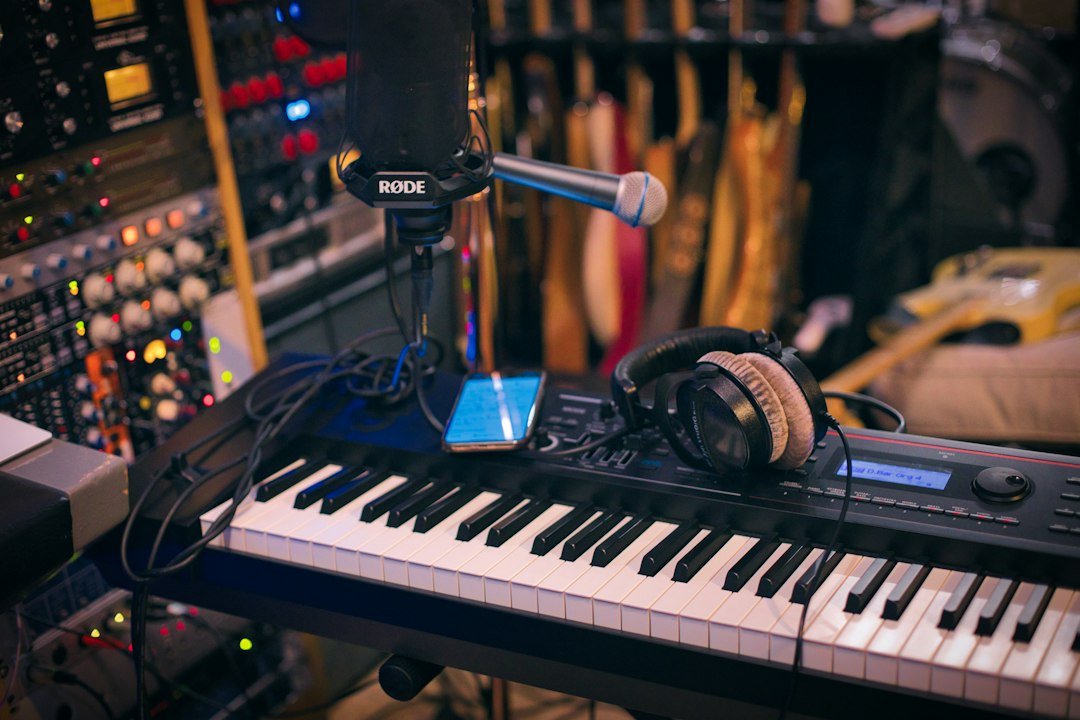
Make Music with AI Using Suno
Create music in four parts: prompts, beats, lyrics and music videos. Learn a budget-conscious workflow that checks credits, export options and usage rights before publishing.
Class breakdown
- Prompts and creative direction
- Beats and instrumental choices
- Original lyrics and song structure
- Music videos and affordable content production
90 minutes / $50 single class
Dates coming soon / Limit 50 registrations
Photo: Caught In Joy / Unsplash

4 parts / one class
Clone Yourself with AI
Create a digital version of your own voice and on-camera presentation. Compare suitable tools, prepare good source recordings and build a short, clearly labeled avatar-content workflow.
Class breakdown
- Choose the right kind of clone and software
- Consent source footage and privacy
- Script voice and avatar production
- Publish responsibly and control cost
90 minutes / $50 single class
Dates coming soon / Limit 50 registrations
Photo: Sam McGhee / Unsplash
5 parts / one class
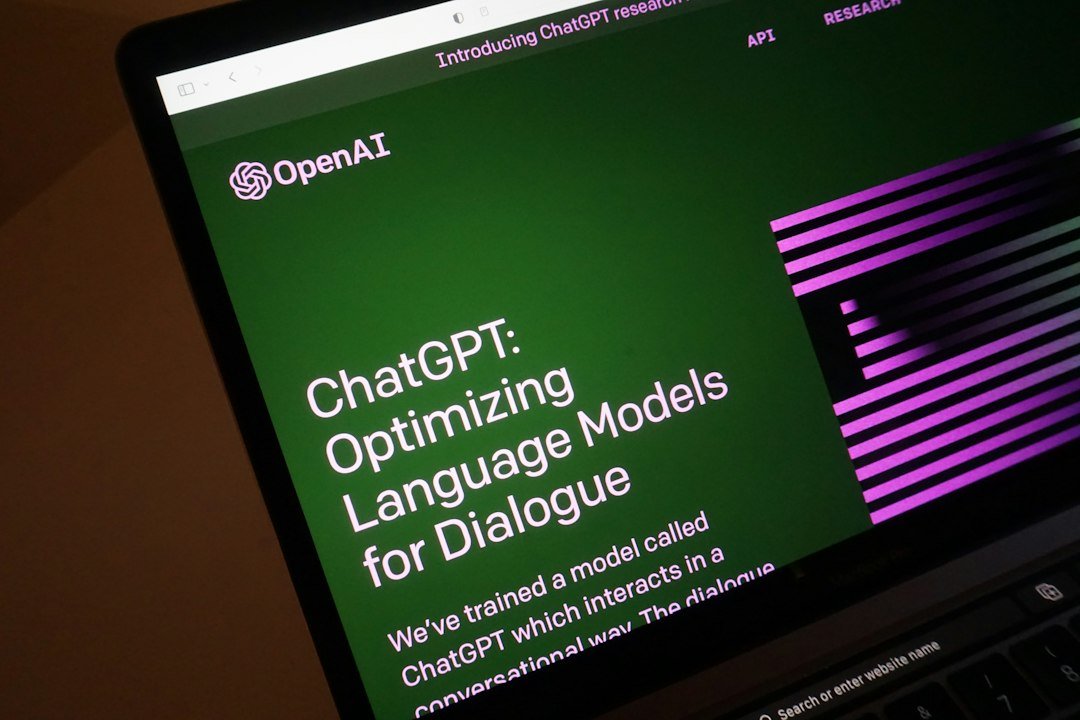
ChatGPT for Personal Use and Business
Configure ChatGPT for your needs, organize business work, write a reusable master prompt, create social-media drafts and use available plugins or connected apps with deliberate permissions.
Class breakdown
- Configure ChatGPT for personal use
- Business workspaces and Work Mode workflows
- Create a reusable master prompt
- Social media planning and review
- Plugins connected apps and permissions
90 minutes / $50 single class
Dates coming soon / Limit 50 registrations
Photo: Rolf van Root / Unsplash

6 parts / one class
Google Gemini and Workspace
Connect the useful parts of Google: Workspace, Gmail, Gemini, Drive, Photos, Chrome, Play, Chrome Remote Desktop and Flow video generation. Learn account organization, sharing and cost controls.
Class breakdown
- Account organization Workspace and Gmail
- Gemini and Google AI
- Drive Photos storage and sharing
- Chrome and Google Play
- Chrome Remote Desktop
- Google Flow video and credit budgeting
90 minutes / $50 single class
Dates coming soon / Limit 50 registrations
Photo: Firmbee.com / Unsplash

4 parts / one class
Apple Tech and Choosing Your Devices
Set up an iPad for everyday and business use, compare iPads, iPhones and laptops by the work you need to do, and understand the basics of Android, Windows, Apple platforms and Linux.
Class breakdown
- Which iPad iPhone or laptop fits your needs
- Basic iPad and iPhone setup
- Business setup and useful workflows
- Android Windows Apple and Linux basics
90 minutes / $50 single class
Dates coming soon / Limit 50 registrations
Photo: Alex Bachor / Unsplash
RSVP first. Dates soon.
Choose a class and sign in or create a free student account. Your selected classes and preparation guides appear in your student portal.
Pre-registration records interest and does not reserve a paid seat. After review and verification, ticket payment instructions will be provided separately when booking opens.
Open student portalBlack Friday package terms
Code techTuesday takes 50% off the complete seven-class package: $175 instead of $350. Individual classes remain $50 and do not qualify for this package discount. Devices, paid software and generation credits are separate.
No payment is collected for the interest list. Dates and paid ticket booking are not open yet.
A comfortable way to learn
Are the smartphone topics separate classes?
No. Smartphone Mastery is one class with four parts: phone essentials, camera and content, work-phone configuration, and AI on your phone.
Do I need technical experience?
No. We explain the basics in plain language. Core exercises include a no-purchase alternative, and menus or features can vary by device and account.
Does an RSVP reserve a seat?
No. It records your interest for review. Dates, venue and a separate ticket-payment step will be announced later.
What does the student account do?
It keeps your class interests and preparation progress together. Class guides require sign-in and registration for the relevant interest list.
Can I request an accommodation?
Yes. Book a conversation to discuss access needs before purchasing. Do not put private medical details in registration.

Your instructor
Learn with Mastamynd.
Anthony D Riley brings creative work and everyday technology together through Another Mastamynd Hit LLC. These classes use clear explanations, guided demonstrations and practical tasks you can repeat.
Bring your questions and the device you already use.
Book a call